
NEET Choice Saving, Locking & Auto-Locking 2026
Three portal actions, three very different consequences
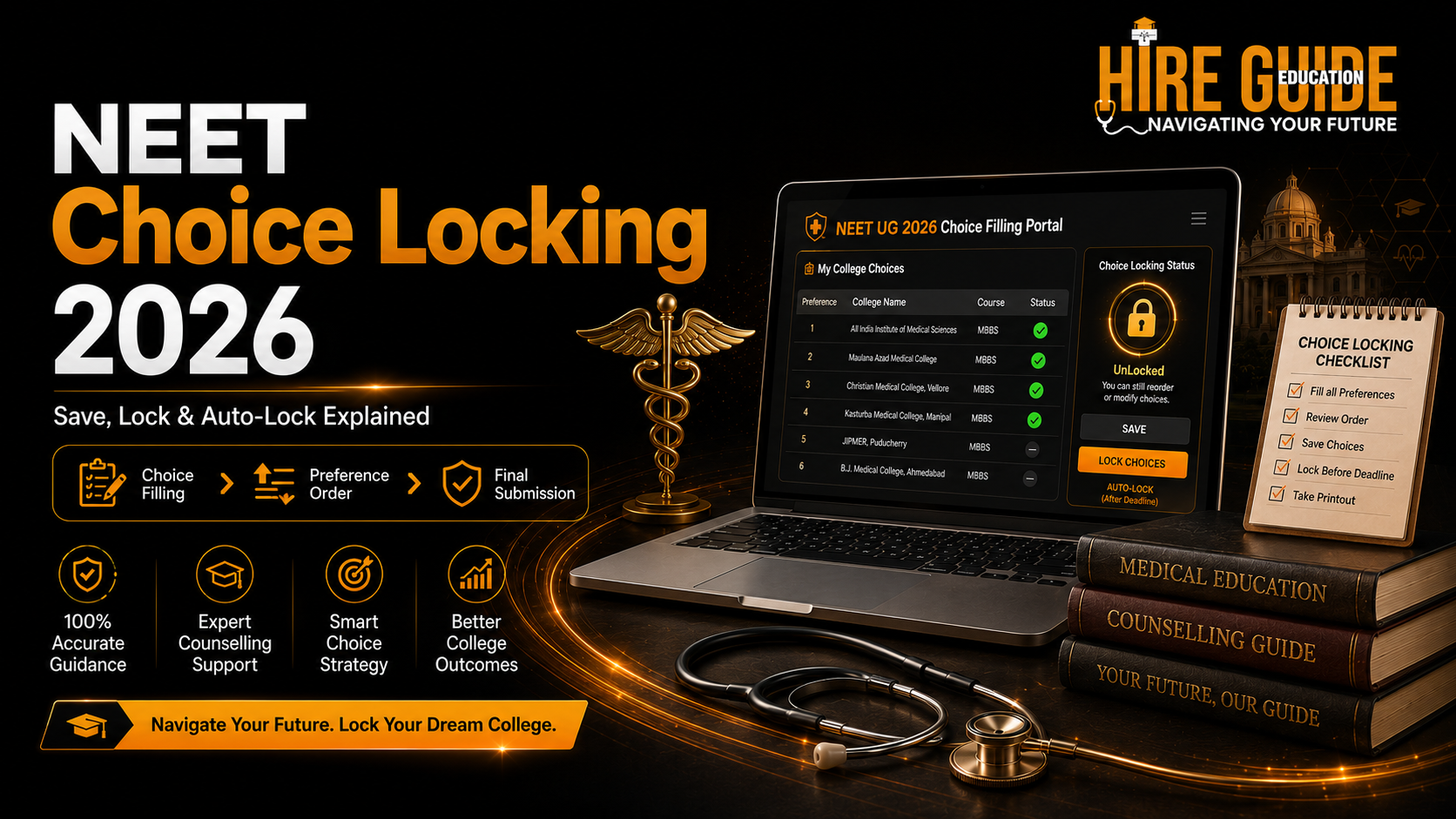
Quick summary
A saved choice list feels done. It isn't. Understanding neet choice locking — and what auto-locking actually means for you — is the difference between a list you chose and one the system chose for you.
Main explanation
Introduction
Somewhere around choice filling, every family hits the same confusing moment: the portal shows "saved," everyone breathes out, and the choice list gets treated as done. It isn't. Saving and locking are two completely different actions with two completely different consequences, and NEET choice locking specifically is the one step that genuinely can't be undone once it's confirmed.
This guide breaks down what saving, locking, and auto-locking actually mean on the counselling portal, how the process differs slightly between UG and PG counselling, and the mistakes that turn a well-researched choice list into a regret nobody saw coming.
What Does "Saving" Your NEET Choices Mean?
Saving records whatever choices are currently entered on the portal. While the choice-filling window stays active, you can typically add, delete, or rearrange them freely after saving — it's a working draft, not a submission. A saved list is not automatically the final list; it only becomes final once the authority's locking or window-closing process is complete.
The practical habit worth building here: save after every meaningful change, and actually verify the portal confirms the save went through. Don't assume a click registered just because the page didn't throw an error.
What Does Neet Choice Locking Mean?
Locking is the candidate's formal confirmation that the displayed choices and their order are accepted for that specific round. Once locking succeeds, modification is generally no longer available for that round — this is the step with real, immediate consequences, and it deserves to be treated that way.
Before you lock, read the confirmation screen properly. Not skim it — read it. Don't lock a list until both the student and at least one parent have gone through the complete choices together, in order, one more time.
Understanding Auto-Locking (Don't Plan Around It)
Under the counselling framework published so far, choices that were saved but never manually locked could get automatically locked according to the official schedule once the window closes. The current bulletin and live portal messaging for each round remain the final word on exactly how this works in a given cycle.
Here's the part worth internalising: auto-locking is a safety net for genuine last-minute technical failures, not a planning strategy. Leaving your final review to the closing minutes on the assumption that "it'll auto-lock anyway" is how families end up with a list they never actually reviewed in its final form.
NEET UG Counselling Choice Filling: What's Different
The save-lock-auto-lock logic above applies identically to UG counselling, but a few things are worth knowing specifically at the UG level.
How Many Choices Can Be Filled in NEET UG Counselling
The number of choices allowed in NEET UG counselling changes between authorities and rounds — MCC and each state counselling body may set different limits, and these can be revised for a given counselling cycle. Always confirm the current permitted count on the specific portal you're filling choices under, rather than working from a number seen in an earlier year's process.
MCC NEET UG Choice Filling: AIQ-Specific Points
For MCC NEET UG choice filling under All India Quota, choices should be checked against course, quota, and category eligibility for every single entry — not just the top few. A choice sitting at position 40 that you're not actually eligible for wastes a preference slot and adds a false sense of list length without adding real chances.
How to Lock Choices in NEET UG Counselling
The process itself mirrors the general locking flow above — review, confirm, and lock through the official portal. What's worth flagging at UG level specifically is volume: UG choice lists tend to run considerably longer than PG lists, which makes the offline preparation step (covered below) even more important, since typing dozens of college codes correctly under portal pressure is where errors creep in.
NEET PG Choice Filling and Locking: What's Different
PG counselling runs on the same underlying save-lock-auto-lock mechanics, but the practical considerations shift meaningfully.
NEET PG City Choice: Why Location Matters More Here
NEET PG city choice decisions carry more weight than they typically do at the UG level — PG training means multiple years tied closely to a specific hospital, city, and often a working schedule that leaves little room for relocation regret. When building a PG list, city and institution-level fit deserve at least as much weight as course preference alone.
NEET PG Round 3 Choice Filling Date: Why the Window Tightens
PG counselling rounds, including round 3 choice filling, often run on tighter timelines than earlier UG rounds, partly because PG seat cycles need to close faster to protect academic-year continuity for residency and training programmes. Confirm the current round's exact date directly on the counselling authority's portal — this is one of the details most likely to shift between cycles, so don't assume it repeats identically from the previous year.
How to Lock Choice in NEET PG Counselling
Again, the mechanics match general locking — but PG lists are usually shorter and more deliberated than UG lists, so there's less excuse for a rushed final review. If you've genuinely narrowed a PG list down to a handful of serious options, there's no reason to leave the locking step for the last few minutes of the window.
Choice Order Matters More Than Safe, Possible, or Dream Labels
The allotment system considers the highest-preference choice you're eligible for at the time allotment runs — it doesn't care which internal label (Dream, Possible, Safe) you'd privately assigned it. If both a Dream college and a lower-ranked Safe college are genuinely acceptable to your family, the Dream college should sit above the Safe one in your actual order. Safe, Possible, and Dream groupings exist to help you analyse your list — they were never meant to dictate final order on their own.
Build Your Choice List Offline First
Prepare the complete list in a spreadsheet or through the Choice Filling Tool before you go anywhere near the live portal. Include college name, portal code, course, quota, fee, bond terms, and your final preference number for each entry. Working offline first cuts down typing errors dramatically and makes it far easier for a parent to review the list calmly, away from the pressure of a countdown timer on the portal screen.
Final Technical Audit Before You Lock
Right before your locking session, check login access, browser stability, internet connection, OTP availability, and current portal status. Use a laptop or desktop where possible rather than a phone, avoid running multiple active sessions, and steer clear of public or shared computers for something this sensitive.
Once locked, download or print the final choice list immediately, and keep a screenshot showing the date and time of successful submission. This becomes your proof if any dispute or portal glitch comes up later.
Fresh Choices in Later Rounds — Don't Assume Continuity
Authorities may require fresh choice filling for subsequent rounds and can treat earlier-round choices as invalid once a new round opens. Never assume your previous order simply carries forward unchanged. Review every active choice again each time a new round opens, since joining and forfeiture consequences can also become stricter round over round.
Continue Your Research:
What to Do If the Portal Shows an Error
Screenshot the error immediately, capturing the date, time, and the complete error message. Check official notices for known issues, and try the officially approved browser or an alternate candidate portal if one is provided. Contact the official helpdesk well before the deadline rather than after — helpdesk response time is not something to gamble against a closing window.
One more thing worth stating plainly: never share your password or OTP with anyone offering "remote assistance" to lock choices on your behalf, no matter how official they sound.
Quick Decision Reference
Portal Action | Meaning | Can You Still Modify? |
Add choice | College/seat enters the list | Yes, while the window is open |
Save | Current list and order is stored | Usually yes, before lock or close |
Move/reorder | Preference number changes | Yes, before lock or close |
Lock | Final confirmation for the round | Usually no, after successful lock |
Auto-lock | System finalises un-locked saved choices per schedule | No, after the process closes |
Download/print | Proof of submitted choices | Doesn't change the list itself |
Common Mistakes to Avoid
Confusing a saved list with a final, locked list
Putting Safe colleges first purely because they look easier, not because you'd actually prefer them
Adding unaffordable choices "just as an experiment" — every locked choice is one your family must be able to accept
Editing choices in the final few minutes before the deadline
Assuming earlier-round choices continue automatically into a fresh round
Sharing login credentials with anyone offering to lock choices remotely
Need Help Building and Locking Your Choice List?
A researched list is only useful if it's saved, reviewed, and locked correctly — under real deadline pressure, that's exactly where families most often need a second pair of eyes. Explore Counselling Plans for hands-on support through the process, or start with the Choice Filling Tool to prepare your list offline before the window opens.
Official Sources:
MCC UG Medical Counselling: https://mcc.nic.in/ug-medical-counselling/
NEET UG 2026 Information Bulletin: https://cdnbbsr.s3waas.gov.in/s37bc1ec1d9c3426357e69acd5bf320061/uploads/2026/02/202602231394640855.pdf
Stay Connected:
WhatsApp Channel for counselling alerts and reminders
Instagram for short counselling explainers
YouTube for detailed guidance videos
Disclaimer: This article is for counselling awareness and planning. The latest official prospectus, seat matrix, fee order, bond rule, allotment result, and reporting instructions issued by the competent authority remain final.
Visit hireguideeducation.org for college data, cutoffs, counselling tools, and support.
FAQs
Can I change my choices after NEET choice locking?
Normally, no — not for that round. Always confirm against the current portal rule and bulletin before assuming otherwise.
What happens if I save my choices but never lock them?
Under the framework published so far, unlocked saved choices could be finalised through auto-locking as per schedule. The current bulletin and live portal instructions for your round remain final.
Should I just wait for auto-locking instead of locking manually?
No. Review and complete manual locking before the deadline — auto-locking exists as a backup for genuine technical failures, not as a substitute for reviewing your own list.
Do I need to fill fresh choices in every counselling round?
Some rounds require fresh choice filling while others don't. Read the current round's schedule and bulletin rather than assuming last round's list continues automatically.
How many choices can be filled in NEET counselling overall?
The exact number varies by authority (MCC versus individual states) and by round, and can be revised between cycles — check the specific portal you're counselling under for the current limit.
What proof should I keep after locking my choices?
Download or print your final locked choice list, and keep a screenshot showing the date and time of successful submission.
When is the Bihar NEET counselling choice filling date, or the UP NEET choice filling schedule announced?
State-specific choice filling dates, including for Bihar and UP, are published by each state's own counselling authority and can shift between rounds — always confirm on the relevant state portal rather than a general date seen elsewhere.